



WinZoria Application
The WinZoria app brings the full casino platform to mobile devices. We developed the WinZoria casino app as a flexible mobile casino solution that works directly through the browser and installs as a Progressive Web App. You will enjoy the same gaming experience on a desktop while staying connected on smartphones and tablets. Across all devices, Win Zoria applies the same verification process, security standards, and account rules.



WinZoria App Features
The mobile version is not limited at all. It gives players the freedom to enjoy the casino without being tied to a computer or a specific place.
On mobile, the casino feels fast and responsive. Games load quickly, controls react smoothly, and navigation stays clear even on smaller screens. The app keeps all essential tools close, so players can switch between games, bonuses, and account settings without interruptions.
Another advantage is flexibility. You can play wherever you are, check bonus updates instantly, and manage your account in a few taps. Some functions remain available even with a limited connection.
| Feature | Description |
| Game Access | Online slots, table games, and live casino games |
| App Type | Progressive Web App installed from the website |
| Performance | Fast loading and smooth gameplay |
| Account Control | Balance, bonuses, and verification in one place |
| Push Notifications | Updates about bonuses, games, and tournaments |
| Support | Live chat access to the support team |
| Devices | Optimized for Android, iOS, and tablets |
WinZoria App for Android OS
Android users can access the WinZoria app through any modern mobile browser. The app mirrors the desktop version, so players feel comfortable from the first session. Registration, gameplay, payments, and bonuses work the same way as on PC. Installation takes only a few minutes with a stable internet connection.
How to Install the WinZoria App on Android
- Open the WinZoria casino website in your mobile browser.
- Tap the three-dot menu in the browser bar.
- Select “Add to home screen.”
- Confirm installation.
After installation, the casino icon appears on your home screen and opens in a separate window. The Win Zoria APK is not required, as the Progressive Web App replaces traditional APK files and keeps the process secure.
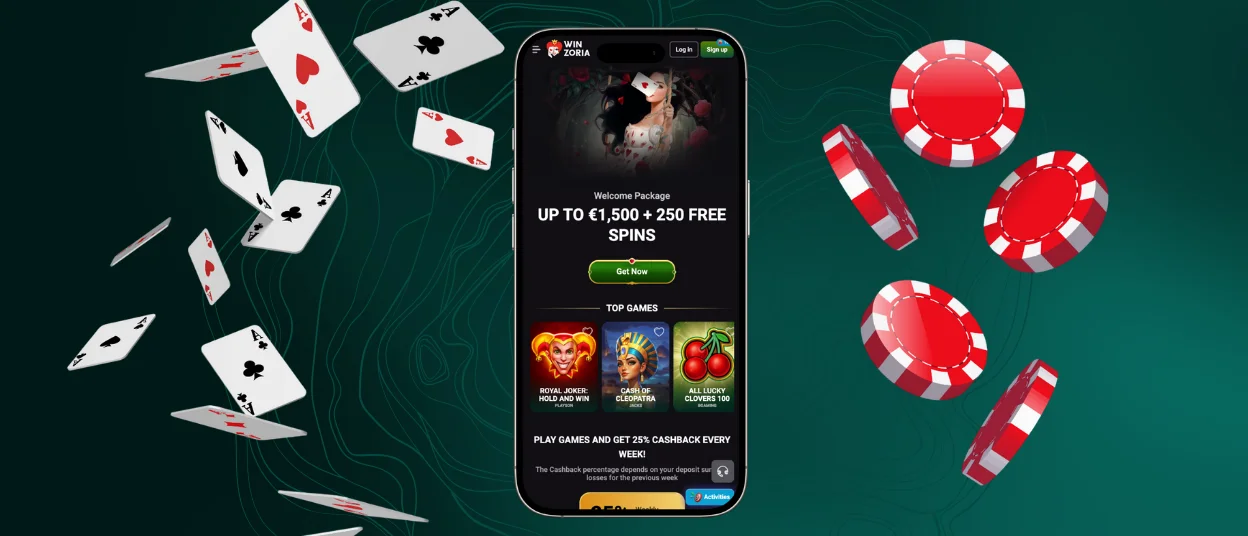
WinZoria App – iOS
iOS players have two easy ways to use Win Zoria Casino on their devices. You can play directly in the mobile browser or install the casino on your home screen for faster access. Both options open the same platform and give access to more than 6,000 games optimized for iPhone and iPad screens.
Win Zoria offers a direct installation from the website. The app works as a Progressive Web App, so it installs quickly, stays secure, and uses very little storage.
You can install the app through Safari by tapping “Add to home screen”. Once added, the app opens in a dedicated window that also mirrors the desktop layout.
After installation, players can browse slots, join live dealer games, manage bonuses, adjust payment settings, complete verification, and contact the support team through live chat.
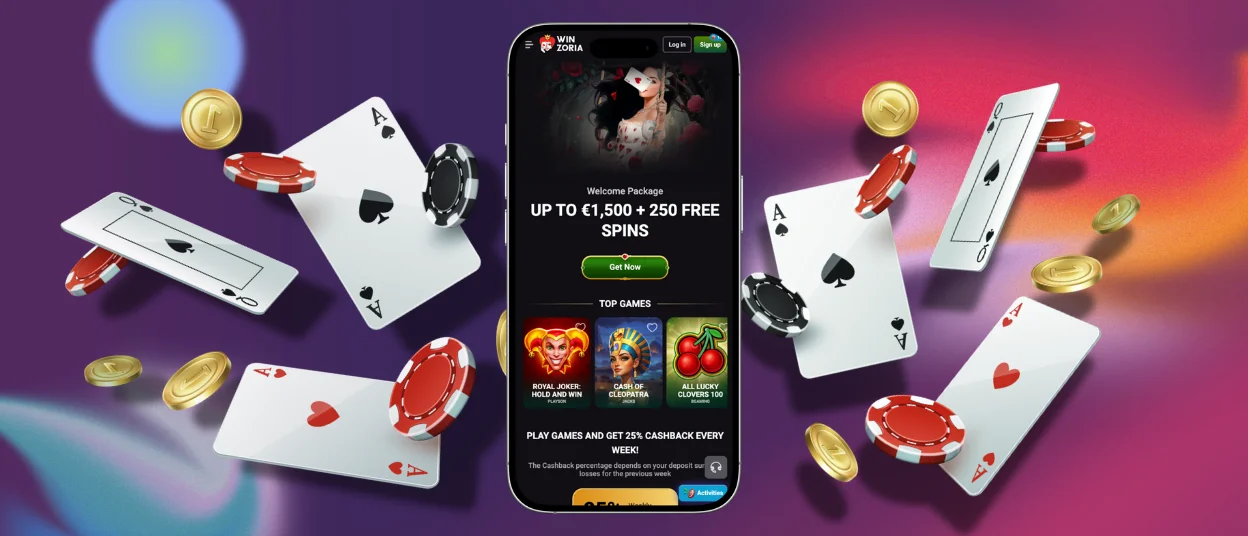
Win Zoria Casino – Desktop Version
If you enjoy playing on a larger screen, WinZoria Casino offers a simple desktop solution as well. The platform works smoothly in any modern browser, including Google Chrome and Safari, so you can play without installing anything extra. At the same time, we have one more convenient option for regular play.
WinZoria can be added as a web app directly from the website. This lets the casino open in its own window, without tabs or repeated searches. You only need to use the three-dot menu in the browser’s address bar, choose “Cast, save and share”, and select “Install page as app”. After that, WinZoria behaves as an application on your PC or laptop.
User Interface and Navigation
The WinZoria app feels familiar from the moment you open it. The layout stays clean and easy to follow, so players do not waste time searching for games or account tools. Buttons sit in places that feel natural on a mobile screen.
Key interface characteristics include:
- We put games, bonuses, and account tools in separate sections
- Quick loading time
- Controls respond smoothly to touch
- Notifications keep you informed about bonuses, tournaments, and new releases
- Great performance on both phones and tablets
Payments in the App
The WinZoria app supports the same deposit methods as the desktop platform. Players make instant deposits using Visa, Mastercard, Skrill, Neteller, and cryptocurrencies, with a minimum deposit starting at €20 for cards and e-wallets and €10 in crypto equivalent.
Withdrawal requests follow the same verification process and withdrawal limit structure across all devices.
Payment method management remains accessible from the app, so players can track balances, bonuses, and transaction history without leaving the mobile casino.
Security and Account Protection
WinZoria applies the same security standards to the WinZoria app as to the desktop site. The platform uses encrypted connections, secure account access, and identity checks to protect personal data. Age verification and KYC checks apply before withdrawals. It ensures compliance across all regions. These measures keep mobile play secure and allow fast access to games and account tools.
FAQ
Is the app optimized for tablets and larger screens?
The WinZoria app adjusts itself automatically to bigger screens. On tablets, everything stays clear, well-spaced, and easy to use, just like on a phone or desktop.
Is the app available for both Android and iOS devices?
WinZoria works on both Android and iOS devices. You install it directly from the website, without using app stores, and it runs smoothly on modern smartphones and tablets.
Are all WinZoria games available in the app?
The mobile version gives access to the entire game collection. Online slots, live dealer games, and classic table formats—you will find everything.


